
Navigation-based RAG that runs without a vector database
A typical RAG splits documents into small pieces, vectorizes them, and answers using only a few similar pieces. Monoshiri AI RAG organizes your documents like a table of contents, and the AI goes to read the documents it needs before answering.
Free plan / 0 yen per month / No credit card
The two kinds of RAG read documents differently
Both are systems where AI answers based on your company documents (RAG), but they take different paths to reach an answer.
Vector-search RAG
Split documents into small chunks
Documents are cut into chunks of a few hundred characters each.
Vectorize and store the chunks
An embedding model turns them into lists of numbers stored in a vector database.
Retrieve a few chunks similar to the question
The question is vectorized too, and only the top few chunks closest in meaning are picked.
Answer from those chunks only
Anything that wasn't picked never reaches the AI.
Navigation-based RAG
Organize documents like a table of contents
The AI groups your uploaded documents into a hierarchy of topics (skills).
Keep a table of contents (skill tree)
What each document covers is stored in a form the AI can navigate. No vector database is used.
Follow the table of contents for the question
The AI looks through the table of contents from the top and picks the documents that seem relevant.
Read the documents and answer
It reads the chosen documents and answers based on them. If nothing is written, it says so.
A skill tree is a table of contents for the AI
For example, when asked "How do I request paid leave?", the AI follows the table of contents like this to find the document to read.
- HR & labor
- Leave & holidays
- Work_Rules_2025.pdfReads this document to answer
- Attendance & remote work
- Leave & holidays
- Expenses & purchasing
- Expense claims
- Information security
How it differs from vector-search RAG
- Preparation
- Vector-search RAGSet up an embedding model and vector database, and tune how documents are split
- Monoshiri AI RAG (navigation-based)Just upload files
- How documents are read
- Vector-search RAGRetrieves only a few chunks similar to the question
- Monoshiri AI RAG (navigation-based)Follows the table of contents and reads the documents it needs
- Questions spanning several documents
- Vector-search RAGHard to answer unless the needed chunks rank near the top
- Monoshiri AI RAG (navigation-based)Picks the relevant documents from the table of contents and reads them together
- Questions the documents don't cover
- Vector-search RAGMay answer based on similar chunks anyway
- Monoshiri AI RAG (navigation-based)Designed to answer that it isn't stated
- Answer sources
- Vector-search RAGDepends on how it's built
- Monoshiri AI RAG (navigation-based)File names of referenced documents shown in the dashboard
- Adding or replacing documents
- Vector-search RAGRe-split and re-vectorize
- Monoshiri AI RAG (navigation-based)Skill tree rebuilt automatically
| Item | Vector-search RAG | Monoshiri AI RAG (navigation-based) |
|---|---|---|
| Preparation | Set up an embedding model and vector database, and tune how documents are split | Just upload files |
| How documents are read | Retrieves only a few chunks similar to the question | Follows the table of contents and reads the documents it needs |
| Questions spanning several documents | Hard to answer unless the needed chunks rank near the top | Picks the relevant documents from the table of contents and reads them together |
| Questions the documents don't cover | May answer based on similar chunks anyway | Designed to answer that it isn't stated |
| Answer sources | Depends on how it's built | File names of referenced documents shown in the dashboard |
| Adding or replacing documents | Re-split and re-vectorize | Skill tree rebuilt automatically |
* The vector-search RAG column shows a typical setup and does not refer to any specific product.
No vector database or embedding model to set up
None of the document chunking, vectorization, or database building a DIY RAG requires. When you upload files, the table of contents the AI navigates (the skill tree) is created automatically.
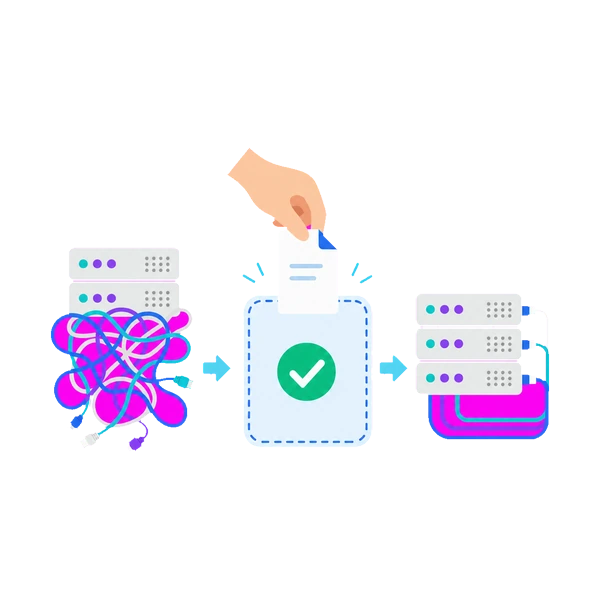
If it isn't in the documents, it says so
Because the AI follows the table of contents and goes to read the documents, it can tell when something isn't written anywhere. In that case it is designed to answer "This is not stated in the documents" instead of making something up.
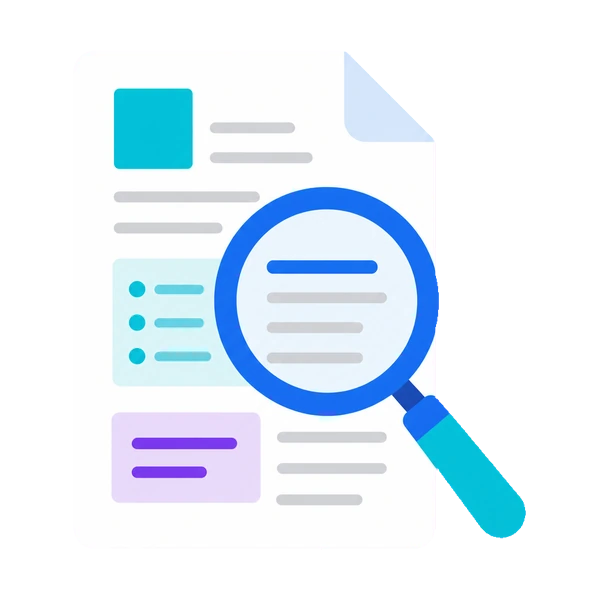
Quickly check which documents an answer came from
In the dashboard chat, the file names of the referenced documents appear below each answer. Click one to open the document and check the content yourself.
* Answers on LINE and Slack do not show document names.
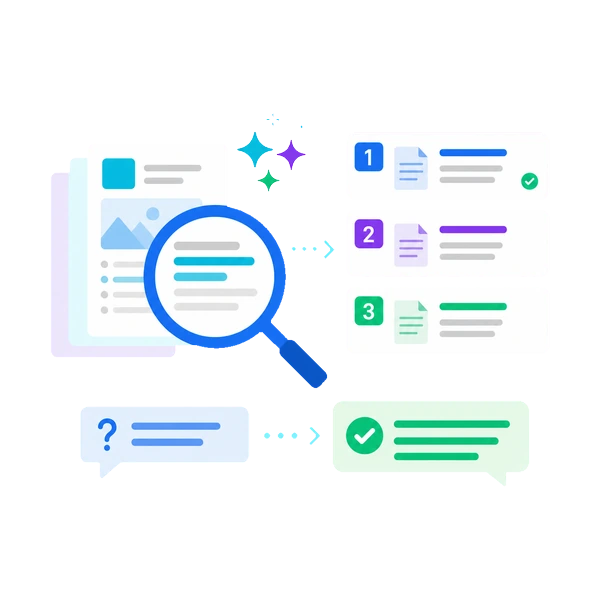
Replace a document, and the table of contents rebuilds itself
When you add, replace, or delete documents, the skill tree is rebuilt automatically. No chunking settings or index rebuilding required.
FAQ about how it works
Related Articles
Our blog covers the limits of vector-search RAG and how we arrived at the navigation-based approach in more detail.
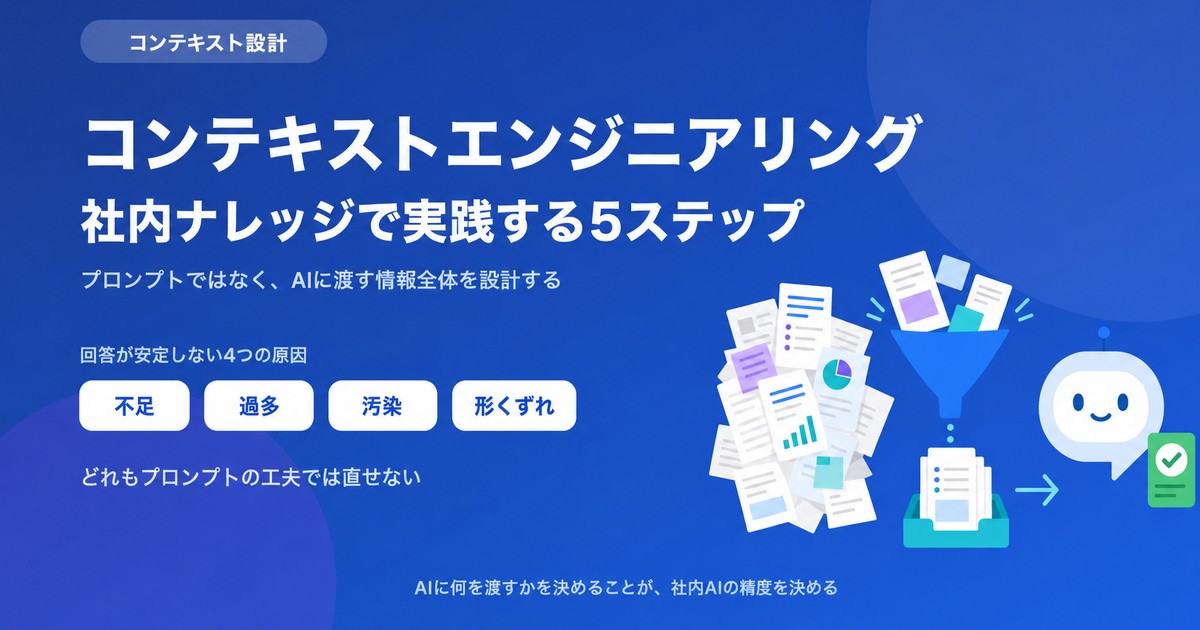
What Is Context Engineering? A 5-Step Playbook for Internal Knowledge
If prompt tweaks aren't stabilizing your internal AI, the problem is what you're handing the model, not how you're asking. Learn what context engineering is, how it differs from prompt engineering and RAG, and a 5-step playbook for internal knowledge.
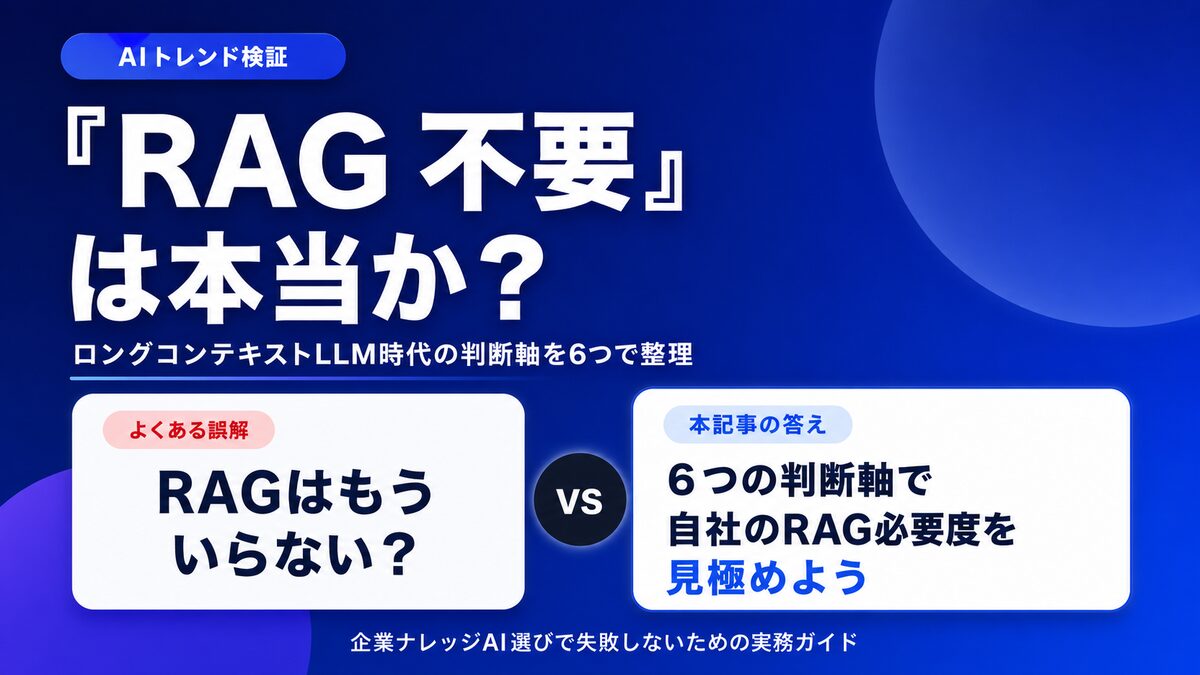
Is "RAG Is Dead" Really True? 6 Criteria for Internal Knowledge AI
With long-context LLMs on the rise, many claim "RAG is no longer needed." We sort out the cases where it genuinely isn't, and the cases where RAG is still essential, using six decision axes for choosing an internal knowledge AI.
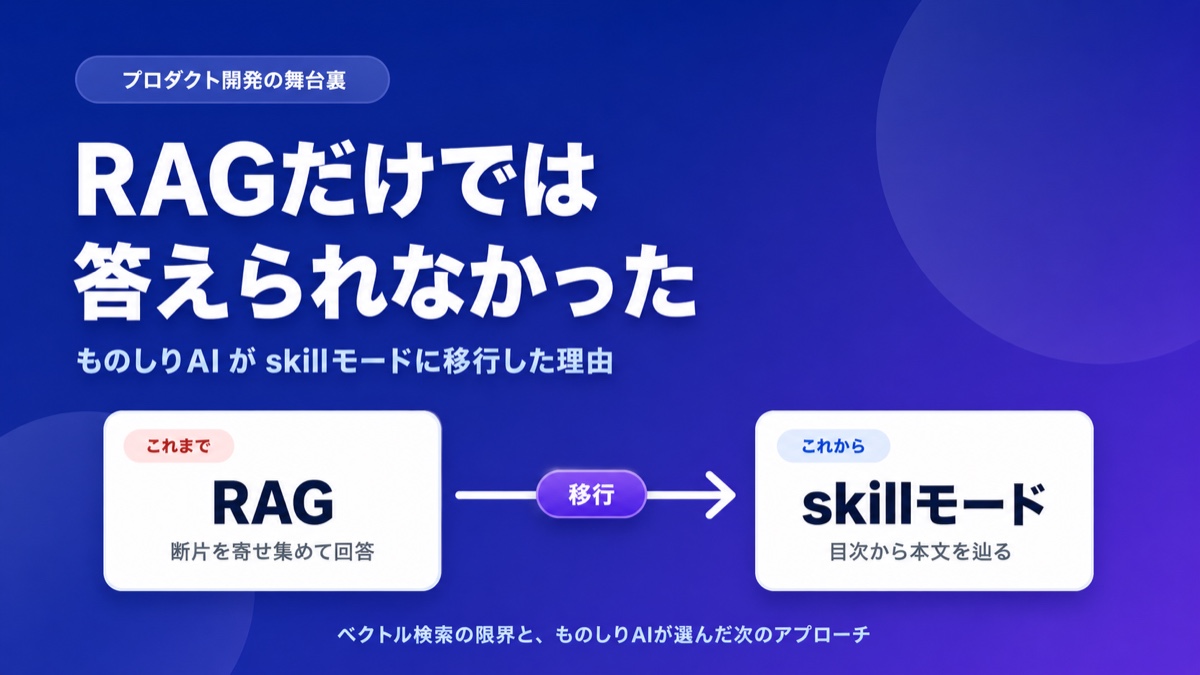
What Is Corpus2Skill? RAG vs. Skill Mode Explained
"What if the AI lies?" "It can't handle complex questions." Learn how Monoshiri AI tackled the hallucination problem and retrieval limits of vector-search RAG by moving to navigation-based RAG (Skill Mode), with concrete examples.

Start your internal RAG today.
Try it free — no commitment required.
150 queries/month free / No credit card required